How to add a new 2+1 Giftcard and ticket
TASK - Add a new webshop ticket (2+1)
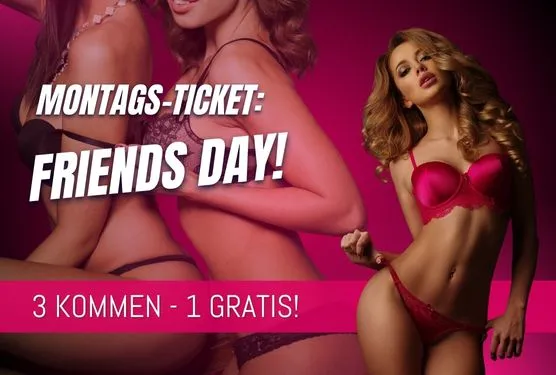
The task is to add a new ticket on webshop. You’re given a picture and a price, nothing more. It’s called Guess by yourself technique. Stimulates creativity.
After purchasing a giftcard on webshop, it should be split on 3 tickets.
Creating a product template
Duplicate “Aktion 5+1 Template” into “Aktion 2+1 Template”
- change “Menge” from 6 to 3
Creating a product
Duplicate “Aktion 5+1” product, change:
- ALL TRANSLATIONS!!!
- Name: “Aktion 2+1”
- Price: 120E
- Ticket tab
- Ticket Display Name: “Aktion 2+1”
- Print name: “Aktion 2+1”
- Ticket template: “Aktion 2+1 Template”
Creating a Giftcard
Duplicate “Gutschein Aktion 5+1 300€” into “Gutschein Aktion 2+1 120€”
- ALL TRANSLATIONS!!!
- Price: 120E
- Website Produktbild: add image
- Ticket tab
- Ticket Display Name: “Gutschein Aktion 2+1 120€”
- Print name: “Gutschein Aktion 2+1 120€“
Creating discount
Duplicate “5+1 Rabatt” into “2+1 Rabatt”
- ALL TRANSLATIONS!!!
- Name: “2+1 Rabatt”
- Price: -60
Adding the ticket to known RFID Cards
Open “Kreditkarte Herren” and add product “Aktion 2+1” to the list.
Setup CARD REPLACEMENT MAPPING
In the first “Name” column with the list of all Giftcards, add:
- Gutschein Aktion 2+1 120€
In the dual column field “From product” - “To product”, add this mapping:
Gutschein Aktion 2+1 120€ - Aktion 2+1
Add giftcard to Booking (display on the website)
- Gutschein Aktion 2+1 120€
Configure products substitution
Add new substitution:
- Product: Gutschein Aktion 2+1 120€
in the table add:
- Gutschein 60€: 3
- 2+1 Rabatt: 1
Add to substitute products list in webshop config
In “Substitute Products” section add:
- “Gutschein Aktion 2+1 120€“
Adding the ticket to schedules
Add “Aktion 2+1” to “VU Entry” schedule on “Produkte” tab
Add “Aktion 2+1” to “Gate” schedule on “Produkte” tab